


Missoula Business Hub Tip: Set Your Holiday Hours in Google Now |
Thanksgiving is four weeks out. Google has a setting built for exactly this, most Missoula businesses never touch it, and it takes about five minutes. |

There's one setting that decides whether a customer shows up to your door or to a locked one over the holidays.
It isn't your website. It's the hours on your Google Business Profile — the panel that shows up when someone searches your name or “open now near me.”
Thanksgiving is Thursday, Nov. 26. Small Business Saturday follows on the 28th, and then it's December. This week is the week to do this.
Why regular hours aren't enough
Your regular hours are a weekly pattern. Google treats a holiday as an exception to that pattern, and it has a separate field for it: special hours.
Google's own guidance is to confirm your hours for official holidays even when they're the same as usual, according to Google Business Profile Help. Confirming is what stops Google from showing “hours might differ” next to your listing — the phrase that makes someone call a competitor instead.
The five-minute version
Here's the path, per Google’s instructions:
Two details that trip people up:
The dates to enter now
Do the whole run in one sitting instead of one holiday at a time:
If you're seasonal
If you close for a stretch rather than a day, Google's hours guidance says to mark the business temporarily closed for the off-season and restore your regular hours when you reopen — rather than leaving stale hours showing.
It's also worth taking the guidelines seriously: Google warns that not following them can lead to changes to your business information, or its removal.
While you're in there
Related on Zootown Lowdown
This weekly tip comes from Missoula Business Hub, which shares practical advice for Missoula small business owners. Have a question you’d like answered here? Email hello@missoulabusinesshub.com.
Graphic: Zootown Lowdown
Sources
|
Oct 27, 2026
What the Griz Athletics Budget Analysis Actually Claims
An independent newsletter says UM funds athletics below the Big Sky median. What the analysis cites, what it estimates, and what we have not verified.
Oct 27, 2026
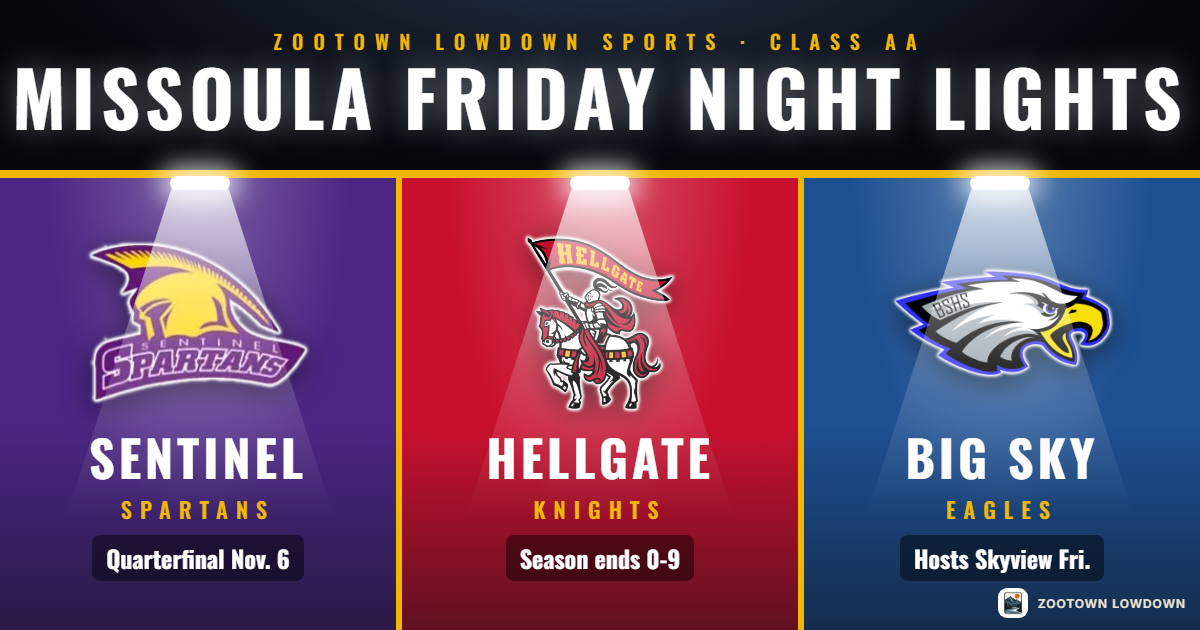
Friday Night Lights: The Class AA Bracket Is Set
Missoula Big Sky hosts Billings Skyview on Friday at 7 p.m. in the Class AA first round. Sentinel hosts a quarterfinal Nov. 6. The full bracket and dates.
Oct 27, 2026
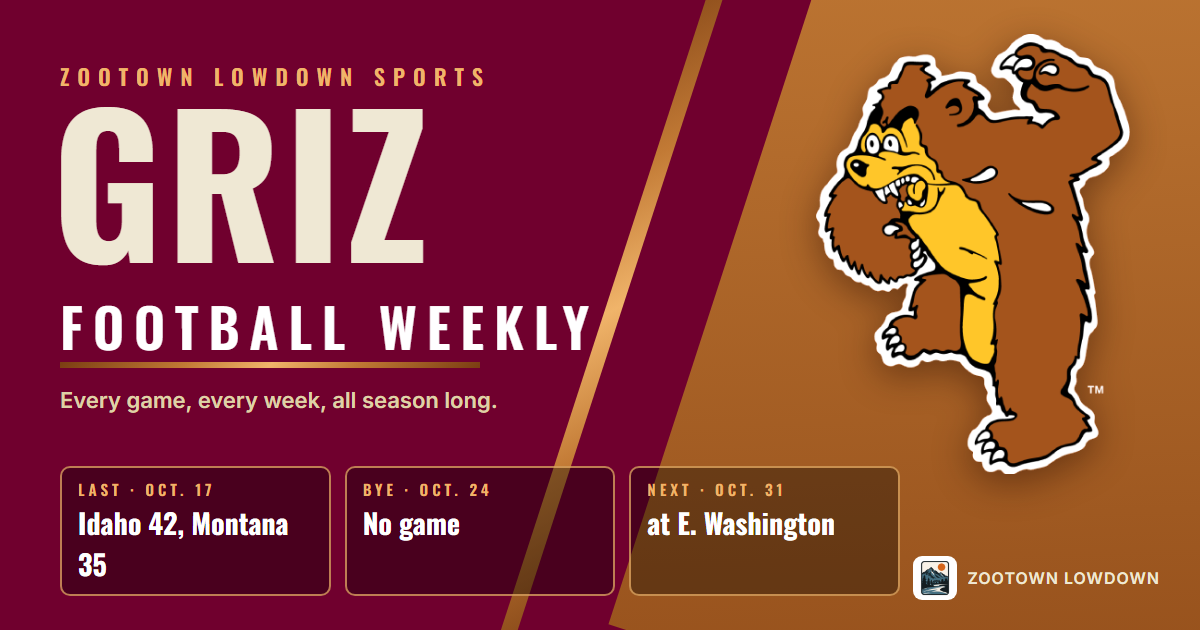
Griz Football Weekly: Bye Week, Then Cheney
Montana enters its bye at 5-3, 3-2 in the Big Sky, and plays at Eastern Washington on Oct. 31 at 2 p.m. The standings, the run-in and how to watch.
Oct 27, 2026
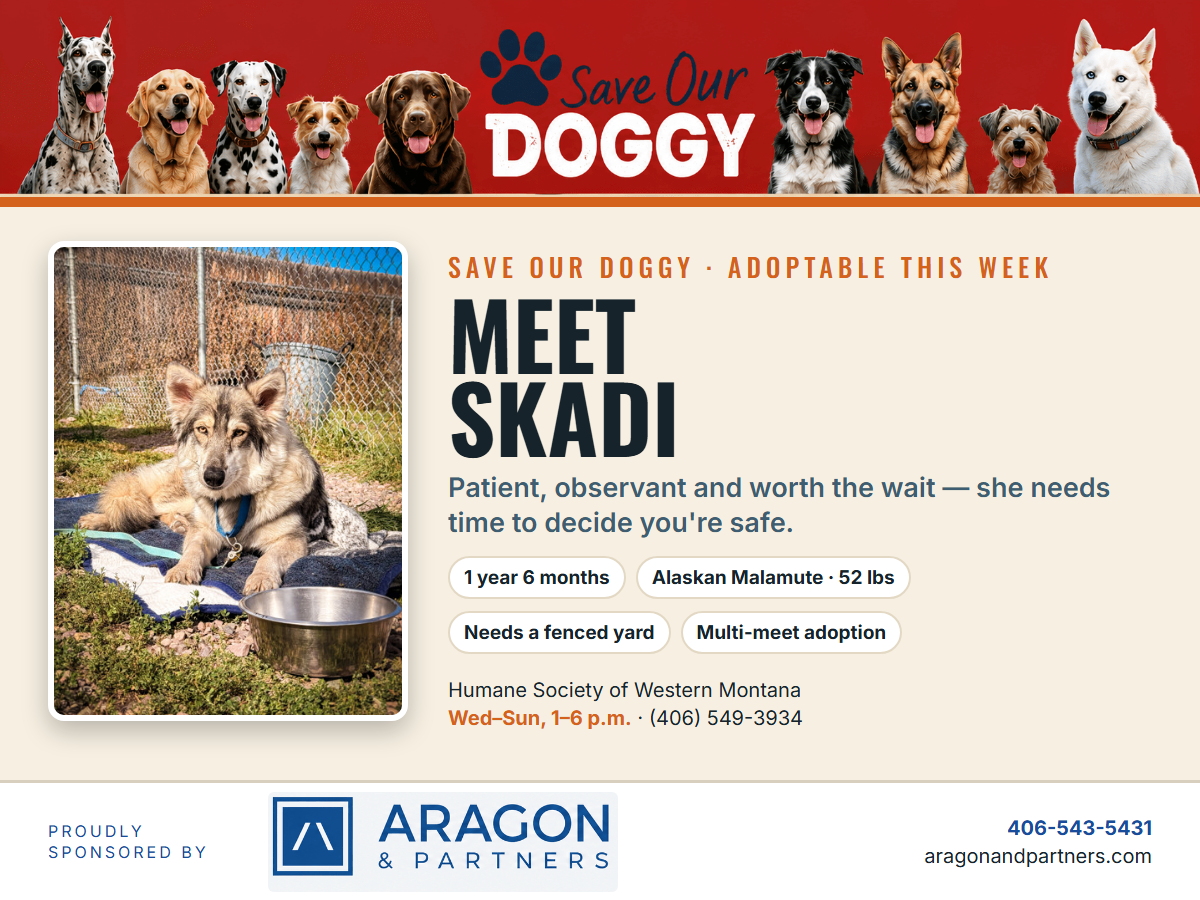
Save Our Doggy: Meet Skadi
Skadi, an Alaskan Malamute at the Humane Society of Western Montana, needs a single-family home with a fenced yard and an adopter willing to go slow.
0 Comments
Join the conversation
Be the first to comment
Share your thoughts above.